How to Find Hold Status of a Container
cristy
2022-12-12 11:57:19
1. Log in to https://admin.drayeasy.com.
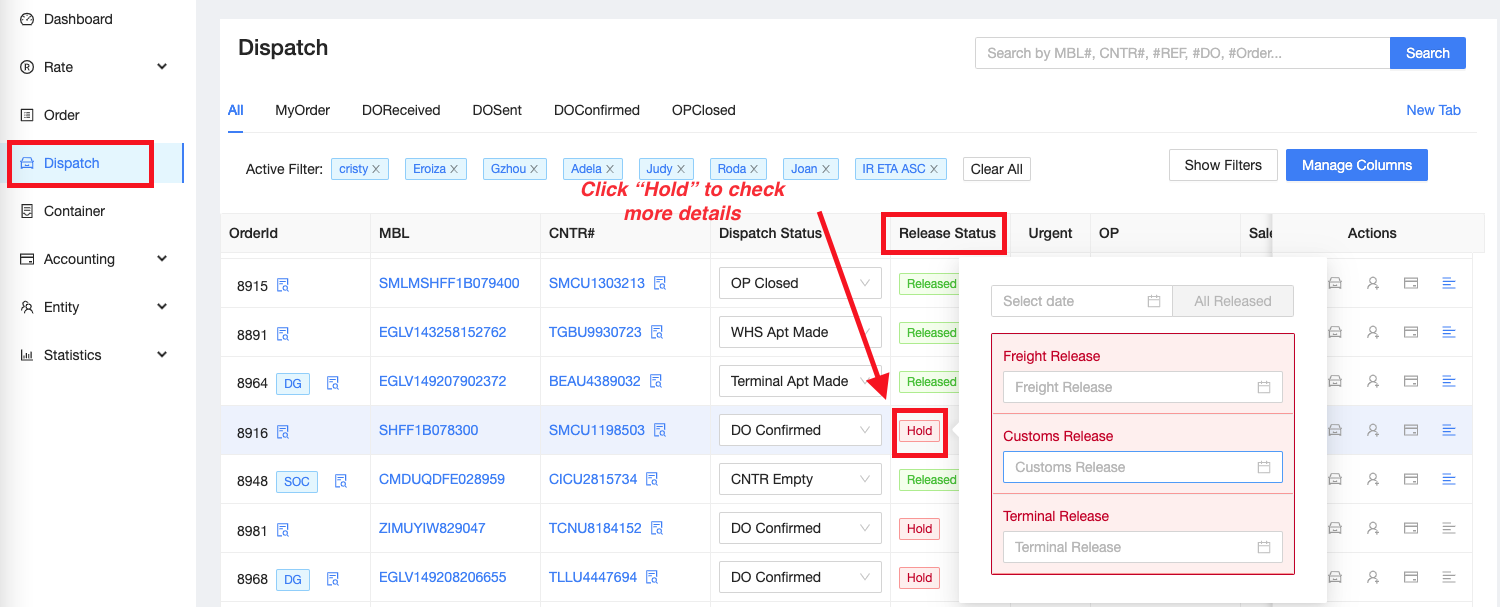
2. Go to Dispatch, find the container and check the Release Status Column.
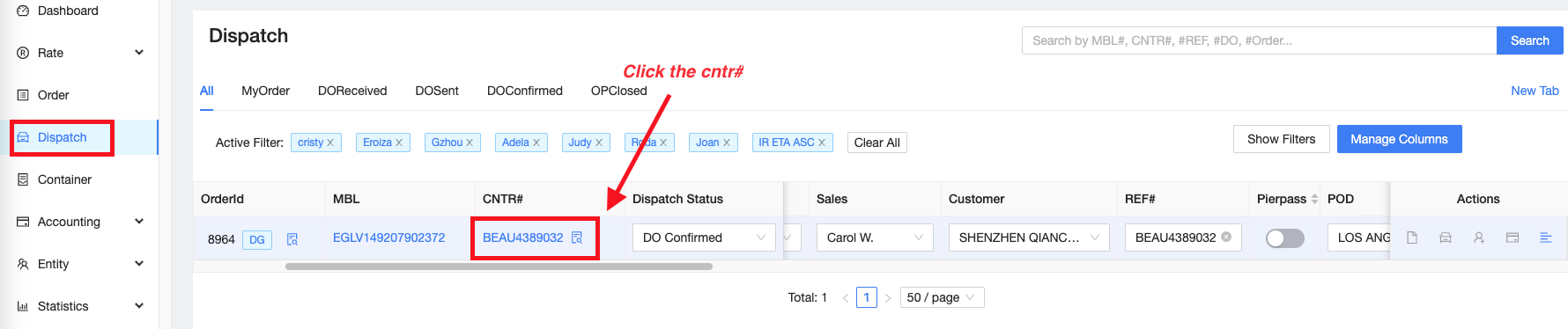
2. Check the container no. in terminal web. Go to Dispatch and click the container#.
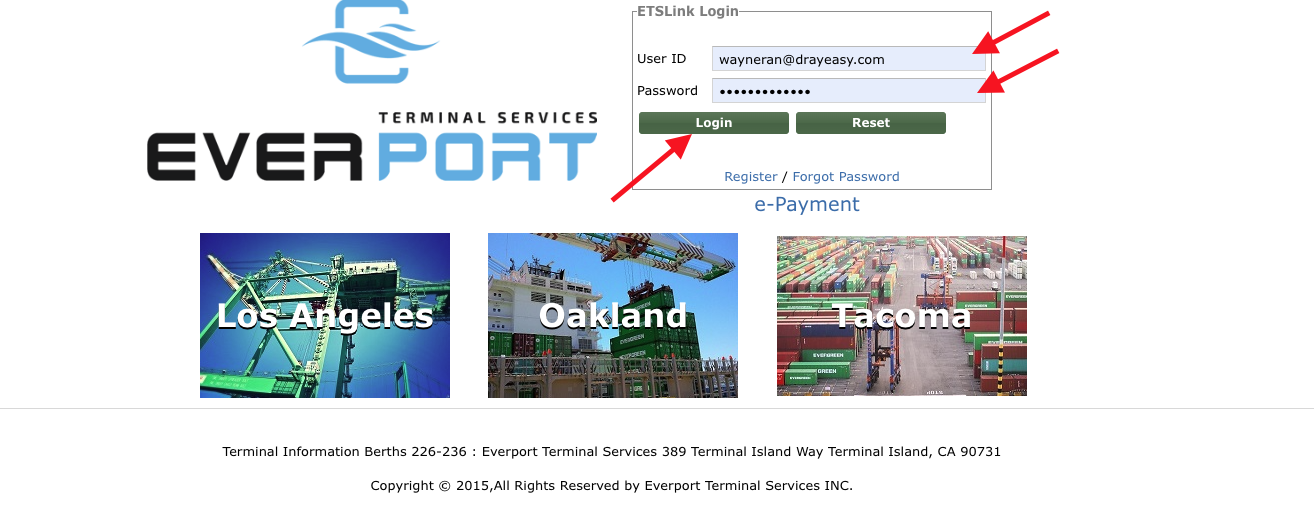
3. Terminal log in page will appear, enter username and password. Please refer to these links for port and ramp terminal information: https://help.drayeasy.com/posts/1 (PORT Terminal) // https://help.drayeasy.com/posts/3 (Rail Terminal)
**ex. Evergreen Terminal LAX (Y124) MBL# EGLV149207902372/ Cntr# BEAU4389032
2. Select Customer Import Information Inquiry, put the container # inside the box then click Search.
.
